
Imagine walking back to your desk and finding a list of potential customers already waiting for you — with verified emails and phone numbers, and even a draft of your first message. That is exactly what a smart lead generation pipeline delivers. The question is: how is that list actually built?
In this article we open up the complete 6-stage map of Quick Process in TivUp Pro, station by station — what happens at each stage, what you see on screen, and what it actually costs under the tivup.pro credit system. If you have been searching for the answer to “what is a sales pipeline, and how do you build one that produces sales-ready leads?”, this guide was written for you.
Why a Single Search Isn’t Enough
Let’s start with an experience most sales and marketing teams know by heart: you search Google for “auto parts manufacturers,” open a handful of pages, and copy names and numbers into a spreadsheet. Two hours later you are holding a raw list that is full of duplicates, carries no verified emails, and gives you no way to tell which lead is actually worth pursuing.
The problem with the “one search, one list” workflow is structural, not personal:
- Raw data is scattered: web results, map listings, Instagram pages, and LinkedIn profiles each come in their own format and quality.
- Duplicates are ruthless: a single business can enter your list three times from three different sources.
- Contact information is incomplete: finding real emails and phone numbers is a whole separate process.
- A raw list never reaches a campaign: writing the right message for each audience and channel is yet another skill.
A pipeline is built to solve exactly this chain. Instead of a single lonely search, you get six connected stations where the output of each station becomes the input of the next — so what comes out at the end is “sales-ready leads,” not “search results.”
What Is a Smart Lead Generation Pipeline?
A smart lead generation pipeline is an automated chain of discovery, cleansing, enrichment, and lead preparation stages, directed by a smart brain — a large language model (LLM) — instead of a human operator. The difference from traditional scripts is captured in that one word, “smart.” A conventional pipeline always walks the same fixed path; an agentic pipeline decides, based on your input, which tools to call, which queries to run, and which sources to pull results from.
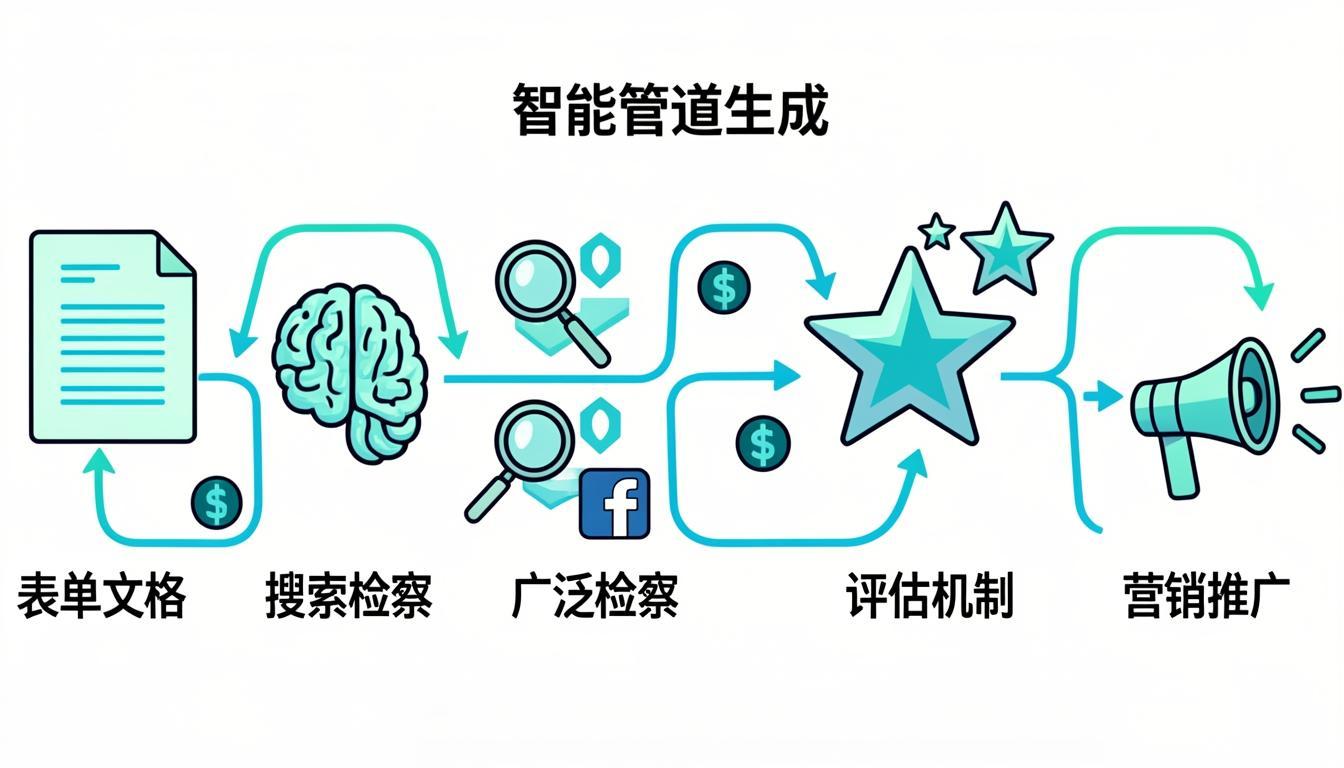
In TivUp Pro this chain is called Quick Process: it starts with a simple form and ends with enriched leads plus a campaign-ready outreach scenario. Let’s look at each stage up close.
The Big Picture: 6 Stages at a Glance
Before we get into the details, here is the entire route in one table — and as you can see, every stage carries its own transparent tariff:
| Stage | What happens | Typical credits |
|---|---|---|
| 1. Input (form) | Your goal, audience, and outreach channels are collected | Free |
| 2. Smart brain | A large language model builds the search queries | 1 per LLM call |
| 3. Parallel discovery | Web, Maps, Instagram, LinkedIn, and directory searches + lead storage | 1–3 per tool call + 1 per stored lead |
| 4. Aggregation & scoring | Merging results, ranking, and deduplication via entity matching | 1 LLM call |
| 5. Enrichment | Finding real emails and phone numbers + email verification before sending | 2 per lead + 1 per email verification |
| 6. Campaign preparation | Multichannel scenario writing and message previews | 1 LLM call + per-message cost |
Stage 1 — Input: The Form That Sets the Route
Everything starts with a guided six-step form: your sales goal and industry, your target audience, geography, and your preferred outreach channels. The form is deliberately guided so that you never need prompt-engineering skills — describe what you are looking for in plain language, and the system builds the rest of the route.
One point worth flagging: this stage consumes zero credits. The smart brain has not started working yet; the system is only listening. But the quality of your answers right here decides whether the pipeline moves in the right direction — the old “garbage in, garbage out” rule applies to agentic pipelines too.
What you see: six short steps with ready-made choices, and a summary of your request before anything executes.
Stage 2 — The Smart Brain: When an LLM Builds Your Queries
This is where the agentic heart of TivUp Pro switches on. A large language model analyzes your input and turns it into a set of real search queries: web queries in the languages your market speaks, map search patterns, hashtag phrases for Instagram, and searches for professional networks.
For example, given a request like “specialty coffee roasters,” the smart brain builds queries that hunt for roastery websites and menus, for pins and addresses on Google Maps, and for hashtags and active pages on Instagram. It is the same job a market researcher with years of experience would do — in a fraction of the time.
Cost: 1 credit per LLM call. Analyzing the input and building the query set typically takes one or two calls.
Stage 3 — Parallel Discovery: An Army of Tools, All at Once
Now execution begins. The pipeline engages several search engines in parallel: web search (through engines such as ValueSerP and SearXNG), Google Maps for local businesses, Instagram for pages and social audiences, LinkedIn for organizational contacts, and industry directories. To go deeper, intelligent crawlers such as Firecrawl and ScrapeGraph read full web pages, while specialized services like Apify, MailerFind, HikerAPI, and IGLeads extract more specific data.
Three cost rules govern this stage:
- Every tool has its own tariff: light tools cost 1 credit per call and more specialized ones 2–3 — and the exact number is visible in the panel before you run.
- You pay for success: a tool that errors out or returns nothing costs zero credits.
- 1 credit per stored lead — not per raw, scattered result.
What you see: a live stream of results arriving from the different engines, and a lead list where every profile shows exactly which source discovered it.
Stage 4 — Aggregation, Scoring, and Deduplication
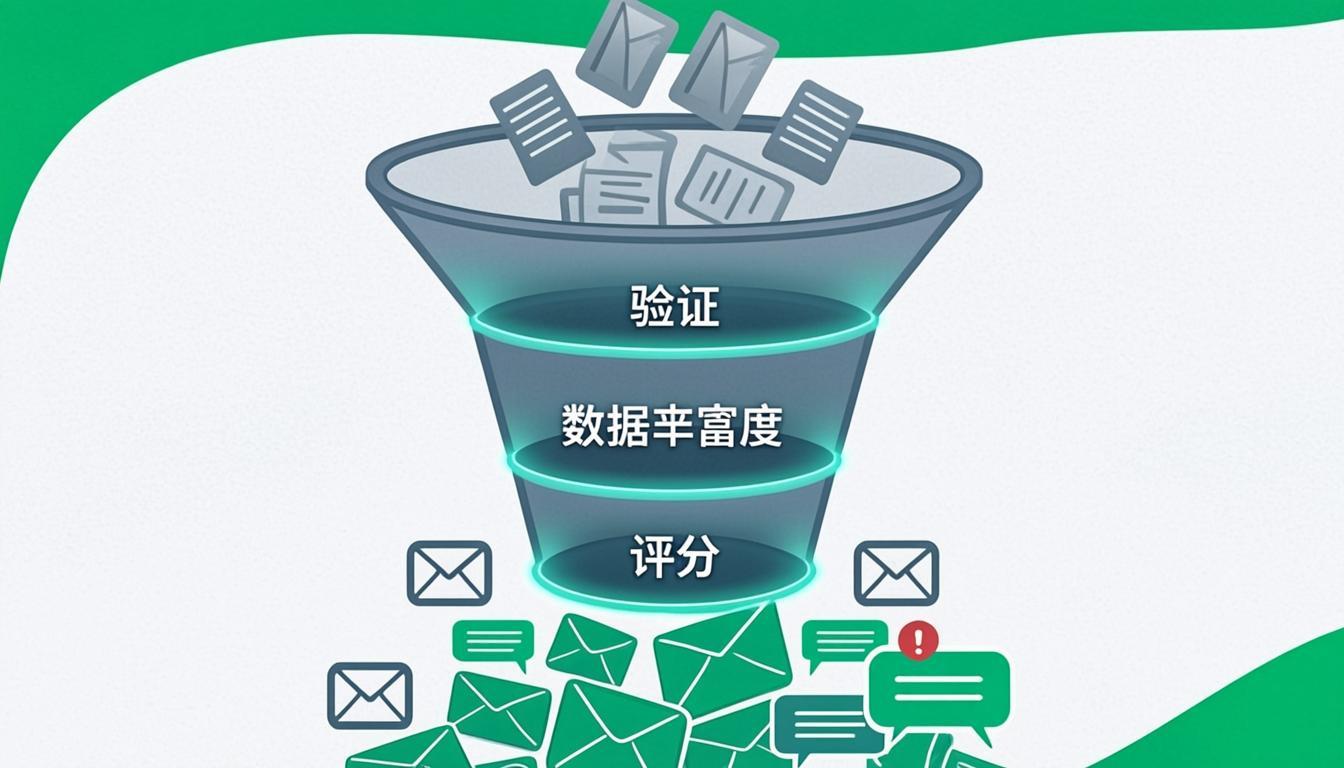
When several engines work at once, their results naturally overlap. At this station, three things happen:
- Aggregation: results from all sources are merged into one unified set.
- Scoring: the language model assigns each lead a match score against your goal, so you know which leads are “hotter.”
- Deduplication through entity matching: if a restaurant arrives once from Google Maps and once from Instagram, entity matching recognizes both records as the same business and counts it only once.
Why does this stage matter so much? Because it prevents double spending: enriching and messaging a duplicated contact burns your credits and damages your brand credibility in front of your audience. Duplicate data is the silent killer of sales.
Cost: one LLM call for aggregation and scoring — independent of how many leads you are handling.
Stage 5 — Enrichment: Real Contact Details, Not Guesswork
A lead with only a name and a social page is still half-finished. In the enrichment stage, the pipeline goes after real emails and phone numbers: it reads the company’s website, opens contact pages, and brings in specialized services such as MailerFind.
And here is the golden rule: every email is verified before a single message is sent. Email verification checks whether an address can actually receive mail — so your campaign never fires messages into dead inboxes, and the reputation of your sending domain stays intact.
Cost: 2 credits per enriched lead, plus 1 credit per email verification. The stage is optional — but if your channel is email, it is effectively mandatory.
Stage 6 — Campaign Preparation: The Multichannel Scenario Writer
The final station turns the list into “ready to send.” The smart scenario writer drafts messages to match the audience and the channel: a formal email for a corporate decision-maker, a short casual note for a consumer contact. Supported channels and their approximate per-message tariffs:
- Email: 1 credit
- Telegram: 1 credit
- SMS: 2 credits
- WhatsApp: 2 credits
- Additional regional messengers: 2–5 credits, depending on the channel
What you see: a preview of every message before final confirmation. You are the campaign manager — not a spectator.
How Many Credits Does a Real Run Take?
Let’s do the math on a concrete example. Suppose you are after 25 leads in a specific niche. The table below estimates a real run using the default tariffs:
| Cost item | Calculation | Credits |
|---|---|---|
| Smart brain (input analysis + query building) | 1–2 LLM calls | 1–2 |
| Web discovery (say 3 search calls) | 3 × 1–2 | 3–6 |
| Lead storage | 25 × 1 | 25 |
| Aggregation & scoring | 1 LLM call | 1 |
| Campaign scenario writer | 1 LLM call | 1 |
| Raw run total (no enrichment) | — | 31–35 |
| Enrichment (optional) | 25 × 2 | 50 |
| Email verification (optional) | 25 × 1 | 25 |
| Full run total | — | 106–110 |
Three things to keep in mind when reading this table:
- A raw run (discovery + scoring + scenario) for 25 leads lands at roughly 31–35 credits — on average about 1 credit per raw lead, plus the fixed share of the smart brain and the scenario writer.
- A full run lands at roughly 106–110 credits, meaning each complete lead (discovery + enrichment + email verification) costs about 4 credits. That is why the credit plans page is calibrated so that 100 credits ≈ 25 complete leads.
- If Instagram or LinkedIn steps are added during discovery, more tool-call rows join the table. Every one of those numbers is visible in the panel before you run, and unsuccessful tools cost nothing.
All figures in this article are estimates based on the default tariffs. The exact, live cost of every run is displayed in the tivup.pro panel before you execute it. Credits are strictly pay-as-you-go, they never expire, and whatever you do not spend stays yours forever.
What Does “Agentic” Actually Mean Here?
The word “agentic” gets used a lot these days, so let’s pin down what it means here. A traditional script always does the same thing: if A, then B. In an agentic pipeline, the smart brain makes decisions based on your input:
- For local cafés it reaches for Google Maps and Instagram; for industrial manufacturers it reaches for web search and LinkedIn.
- If one tool fails, the pipeline does not stop. The failed line item is logged at zero cost and the run moves on.
- If credits run short, the run does not crash. It stops with a transparent message so you can top up and continue.
In practice, you are working with a digital research specialist that is awake around the clock, draws a different map for every request, and tells you the cost and the reasoning before every move.
Pipeline Lab: Node-by-Node Transparency
For those who want to look under the hood, TivUp Pro ships Pipeline Lab: view the complete pipeline map node by node, read the prompt behind each node, and watch the real cost of every node as it is incurred. This level of transparency is rare in lead generation tooling — usually you are shown a single final number, with no way to see where or why it was spent.
Checklist: Before Your First Pipeline Run
If you are just getting started, follow this checklist to make your first experience a good one:
- Write your sales goal in one sentence: “Who am I selling what to?”
- Define the audience: business buyers (B2B) or consumers (B2C)?
- Start with the 10 free welcome credits and feel out the system at zero risk.
- Run small first — around 10 leads — inspect the quality, then scale up.
- Review the aggregated list before enrichment; that is where the cheapest filtering happens.
- Pick the outreach channel based on the audience, not on habit.
Conclusion
A sales pipeline is the difference between “search results” and “sales-ready leads.” It has six stations — input, the smart brain, parallel discovery, aggregation and scoring, enrichment, and campaign preparation — each with a transparent tariff: discovery at 1 credit per stored lead, enrichment at 2, email verification at 1, and sending from 1 credit per message (email and Telegram) up to 5, depending on the channel. Credits never expire, and tools that fail cost you nothing.
You now have the map. Time to walk the route.
TivUp Pro Is Available Now
Run the 6-stage Quick Process today — pay-as-you-go billing, a transparent tariff on every node, and 10 free welcome credits when you sign up.